See It In Action
See LapseCloud in Under 3 Minutes
From camera setup to client portal: how raw photos become documentation your team and clients can rely on.
Use your own cameras. LapseCloud syncs every photo, delivers professionally edited timelapse videos, and gives your team a private portal to share progress with clients and investors from anywhere.
From camera setup to client portal: how raw photos become documentation your team and clients can rely on.
A real construction project, captured daily and edited by hand. This is what your clients will see.
From camera setup to client portal, we handle the whole pipeline so your team can focus on building.
Use your existing site security cameras, or set up any IP camera that supports scheduled FTP uploads, such as our recommended Reolink 12MP models. We recommend at least 4MP. We give you step by step setup guidance.
Every night, your images are automatically synced, stored securely, and organised by camera and date in your private portal.
Your team generates instant progress videos from the portal anytime. Once a month, our editors deliver a finished time-lapse, colour graded and with flicker removed, ready to show to clients.
Access daily photos, create time-lapses on demand, compare project stages, and share progress with stakeholders, all in one place.
Browse every day of your project by camera and date. Full-resolution images, organised and searchable from day one to completion.
CoreGenerate a time-lapse video for any date range in minutes, straight from your portal. No technical knowledge needed.
CoreCompare any two dates side by side with our interactive slider. Show clients exactly how far the project has progressed.
CoreUpload architectural renders and compare them directly against real site photos. Track how closely the build matches the design.
PremiumUp to 6 cameras per project as standard. Filter, compare, and organise every angle from one dashboard. Enterprise deployments available on request.
CoreGive clients, project managers, company managers, and investors only the access they need.
SecuritySelect multiple images and download them as a ZIP file instantly. Useful for reports, presentations and offline archives.
CoreRow-level database security, Supabase Auth, HTTPS encryption, and private storage ensure your project data stays confidential.
SecurityAdd notes to individual images and time-lapses. Keep your team aligned and create a timestamped record of decisions and observations.
CollaborationYour logo, your company name and a dedicated web address for every client portal. Included with every plan.
IncludedIf a camera stops uploading because of a power cut, network failure or hardware fault, LapseCloud detects the gap within the hour and emails your project manager automatically. You know before your client does.
Every stakeholder gets their own login with only the access they need.
Most competitors give you automated footage. We edit your video by hand, so what you share with clients and investors looks clean.
Your team creates instant progress videos from the portal anytime. Once a month, our editors produce a time-lapse with colour grading and smooth transitions, ready for investor presentations or marketing.
Auto-generated time-lapses flicker as light conditions change. We smooth every transition by hand, so the finished video looks clean and professional.
Rain spots, glare, and lens condensation are removed frame by frame. Your archive stays clean regardless of weather conditions.
Seasonal light shifts and harsh sun are corrected to maintain consistent, professional-quality imagery across the entire project duration.
You work with real people who know your project. No bots and no ticket queues. You get direct support from camera setup to the finished video.
If a camera stops uploading because of a power cut, network failure or hardware fault, we detect it within the hour and email your project manager automatically. No silent gaps in your archive.
A simple portal your clients can use without training. Browse photos by date, generate time-lapses, compare stages and share updates from any device.
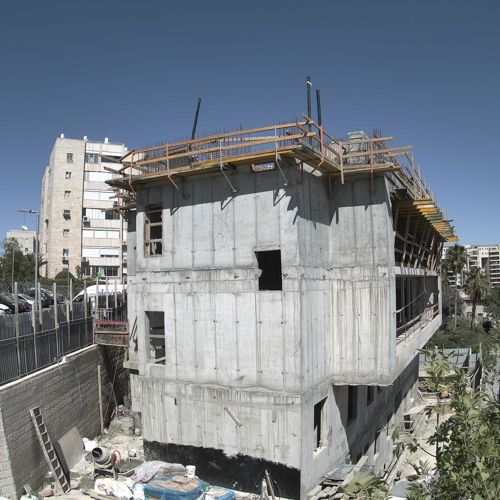
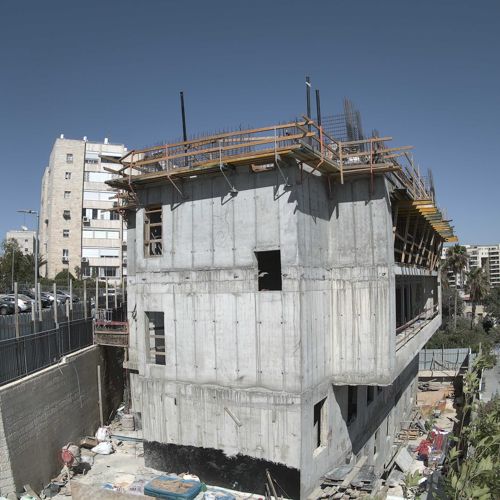
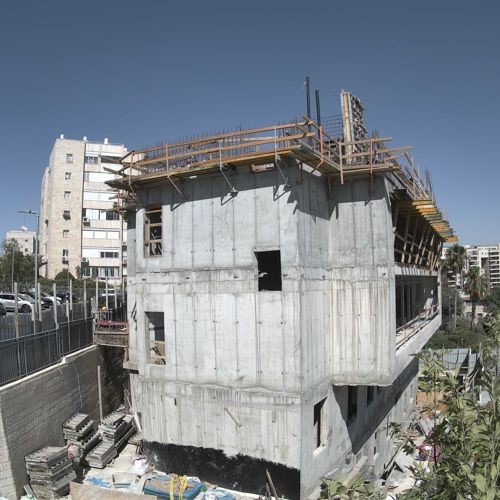
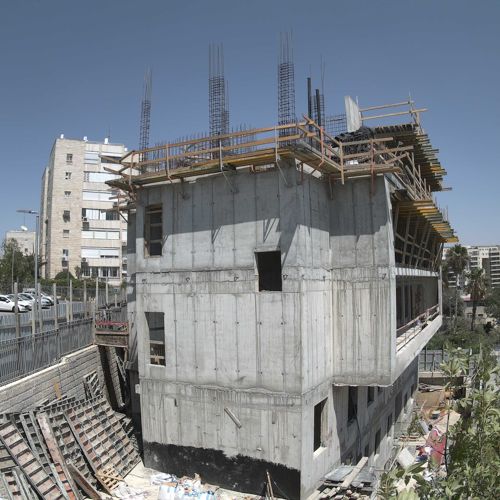
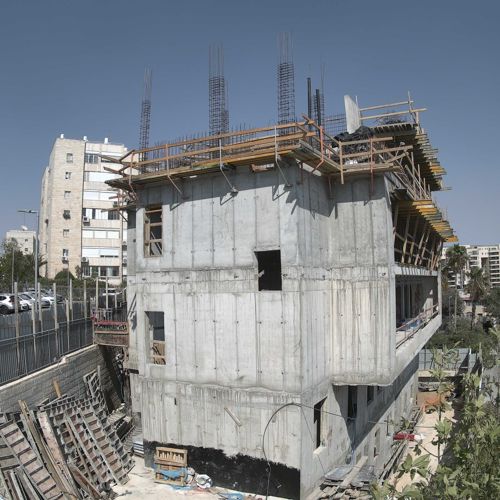
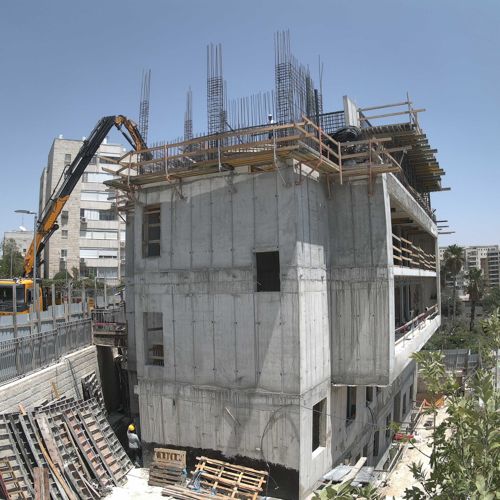
Give clients, buyers and investors a construction progress portal under your own brand. Every company gets a dedicated web address, and we run everything behind the scenes.
yourcompany.timelapseportal.com

Any IP camera that supports scheduled FTP upload works. No proprietary hardware to buy, and 4MP or higher is recommended.
Your time-lapse is hand-edited, not just an automated feed. Flicker, glare and exposure shifts are cleaned up before you see it.
Give clients and investors their own portal access. They see daily photos and progress videos from anywhere.
14-day free trial, no credit card required. Monthly plans you can cancel anytime.
Tell us about your project and we'll get back to you within one business day. No sales pressure.
Ready to get started? Start your 14-day free trial →
Start your 14-day free trial and see your own site in the portal.
Start Free Trial →